Follow these steps carefully to change your Windows password through Remote Desktop.
-
Connect with RDP
Use Remote Desktop Connection (RDP) to access your VPS. See Connect with RDP if you need help.
-
Search for "sign-in"
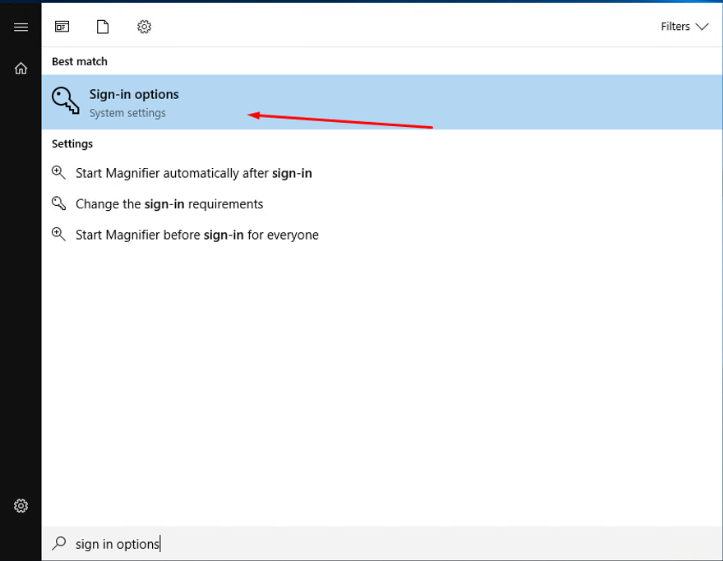
Open the Windows Start menu and search for sign-in.
-
Open "Change Password"
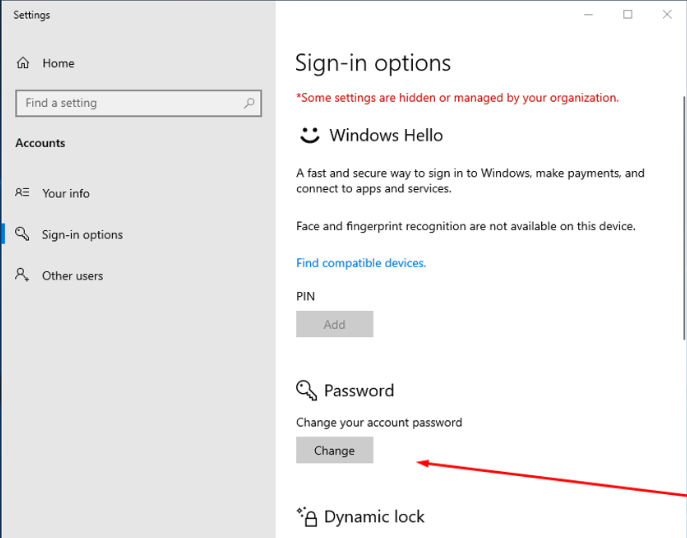
Press Enter to go to the Change Password page.
-
Enter the current password
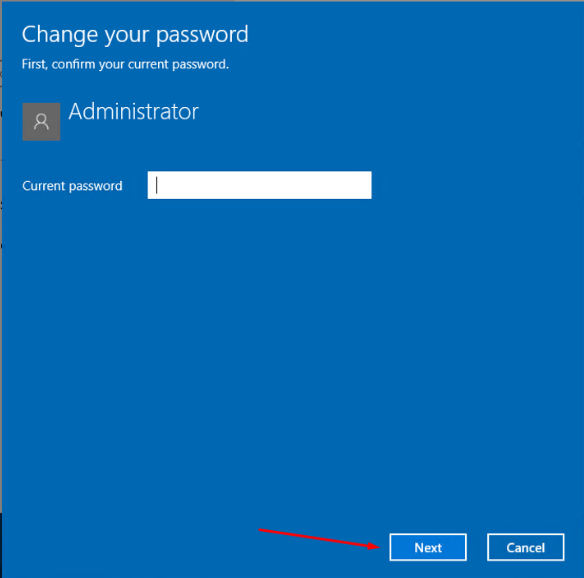
Type your current password and click Next.
-
Set the new password
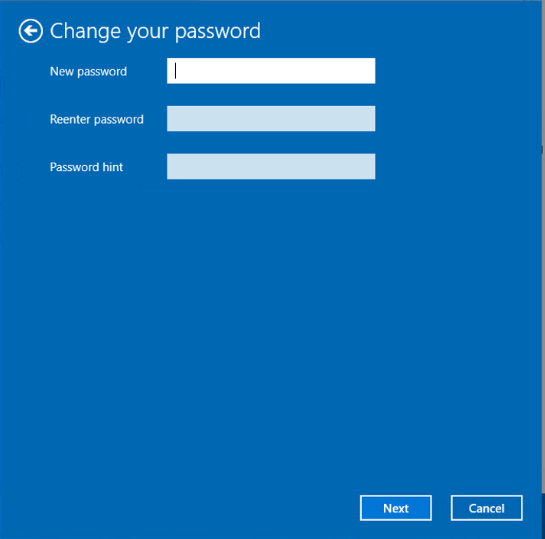
Enter and confirm the new password. Add a password hint to help you remember it later.