This guide installs a FiveM server (FXServer) on a Windows VPS or dedicated server.
-
Check the files
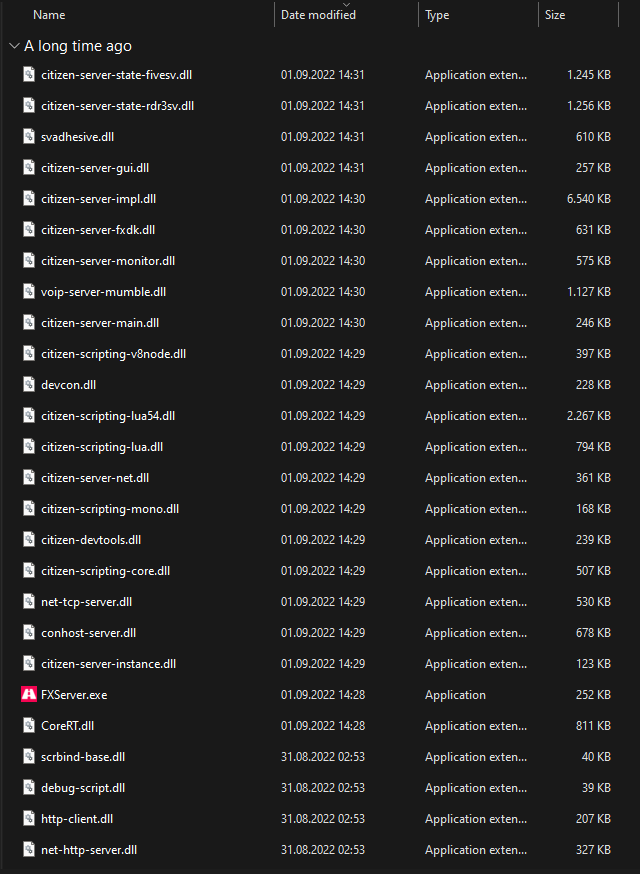
Check that the extracted folder has all the files shown below. If anything is missing, the server fails on startup.
-
Start the server
Double-click
FXServer.exe, or launch it from CMD/Terminal.
-
Link your account with the PIN
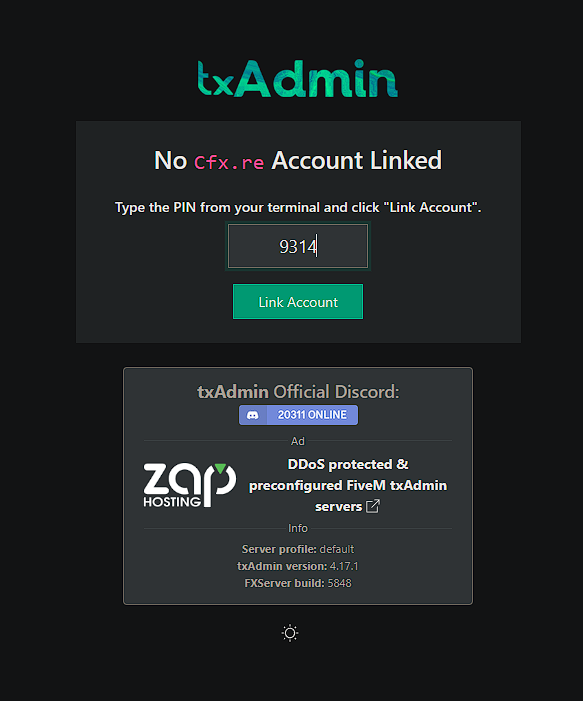
The setup page opens in your browser. Check that the PIN is filled in and click Link Account.
-
Log in to Cfx.re
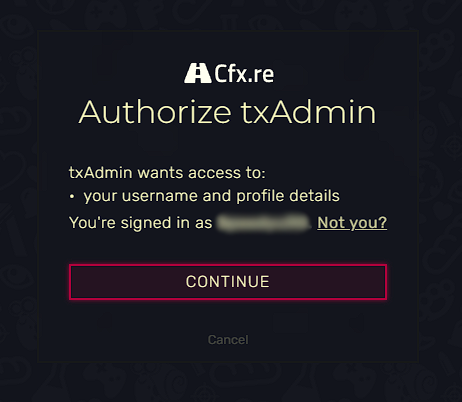
Log in to your Cfx.re account in this tab, then click Continue.
-
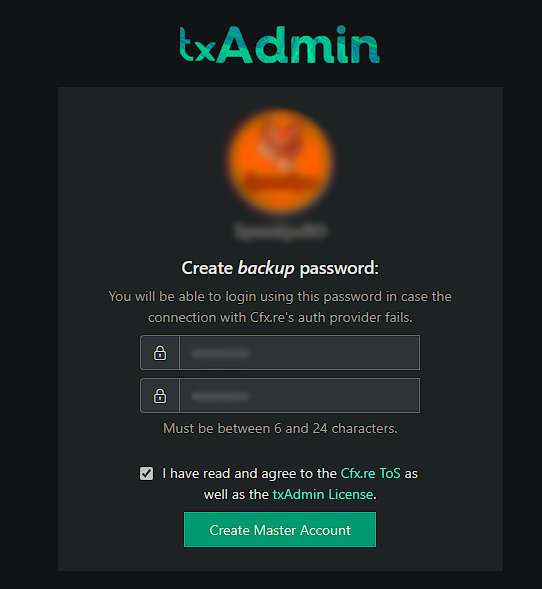
Set a password and accept the terms
- Set a password to access your server's administration page.
- Accept the terms and conditions.
-
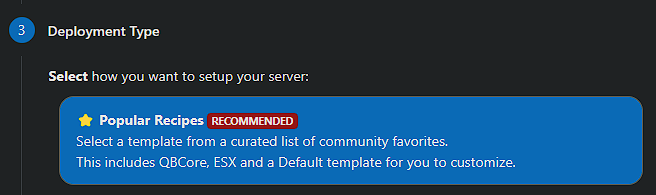
Name your server
Enter a name for your server and click Next, then select Popular Recipes.
-
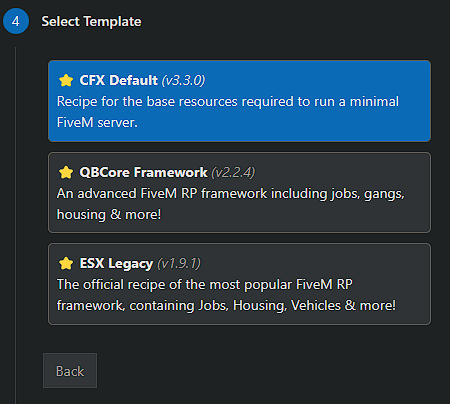
Choose a template
Choose the CFX Default template for now. Other templates exist, but some of them need a database server (XAMPP or MariaDB).
-
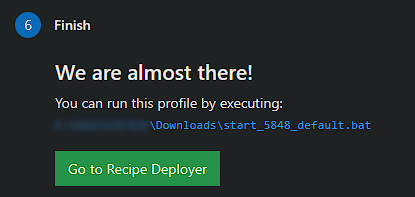
Save and open the Recipe Deployer
Click Save (or choose a different path for the data), then go to Recipe Deployer.
-
Deploy the recipe
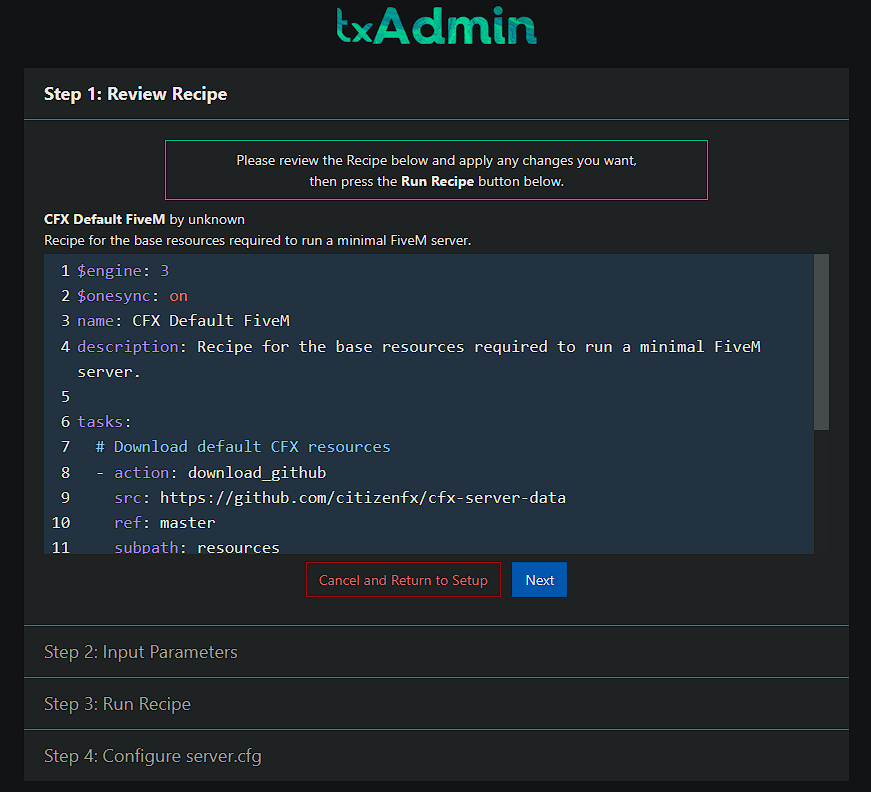
The default recipe settings are fine. Click Next.